
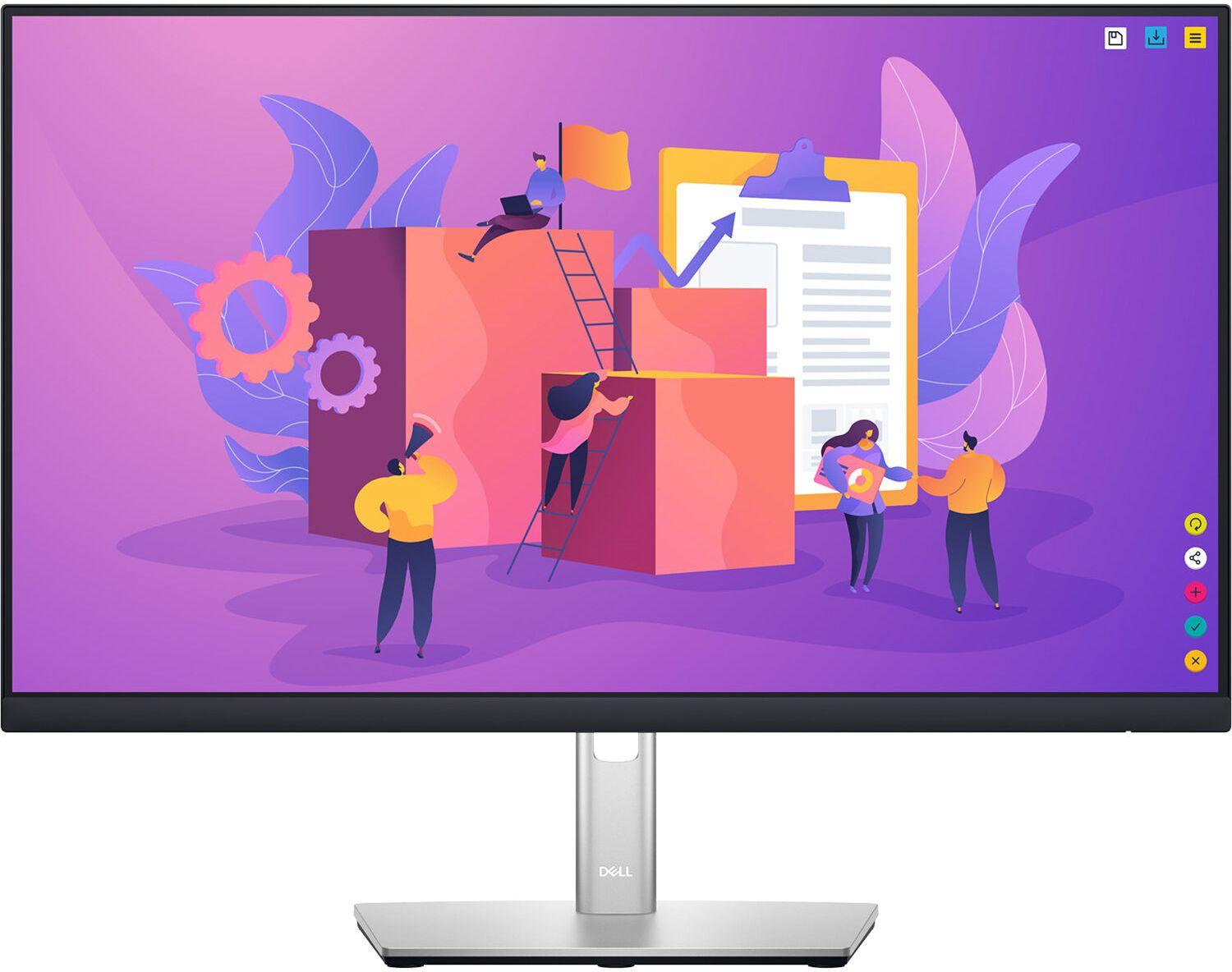
Dell P2422H 24 FHD Computer Monitor 24"Inch


GRATIS levering
Dell P2422H 24 FHD Computer Monitor 24"Inch
Leveres med:
Opladerkabel
Strømadapter
- Product Name
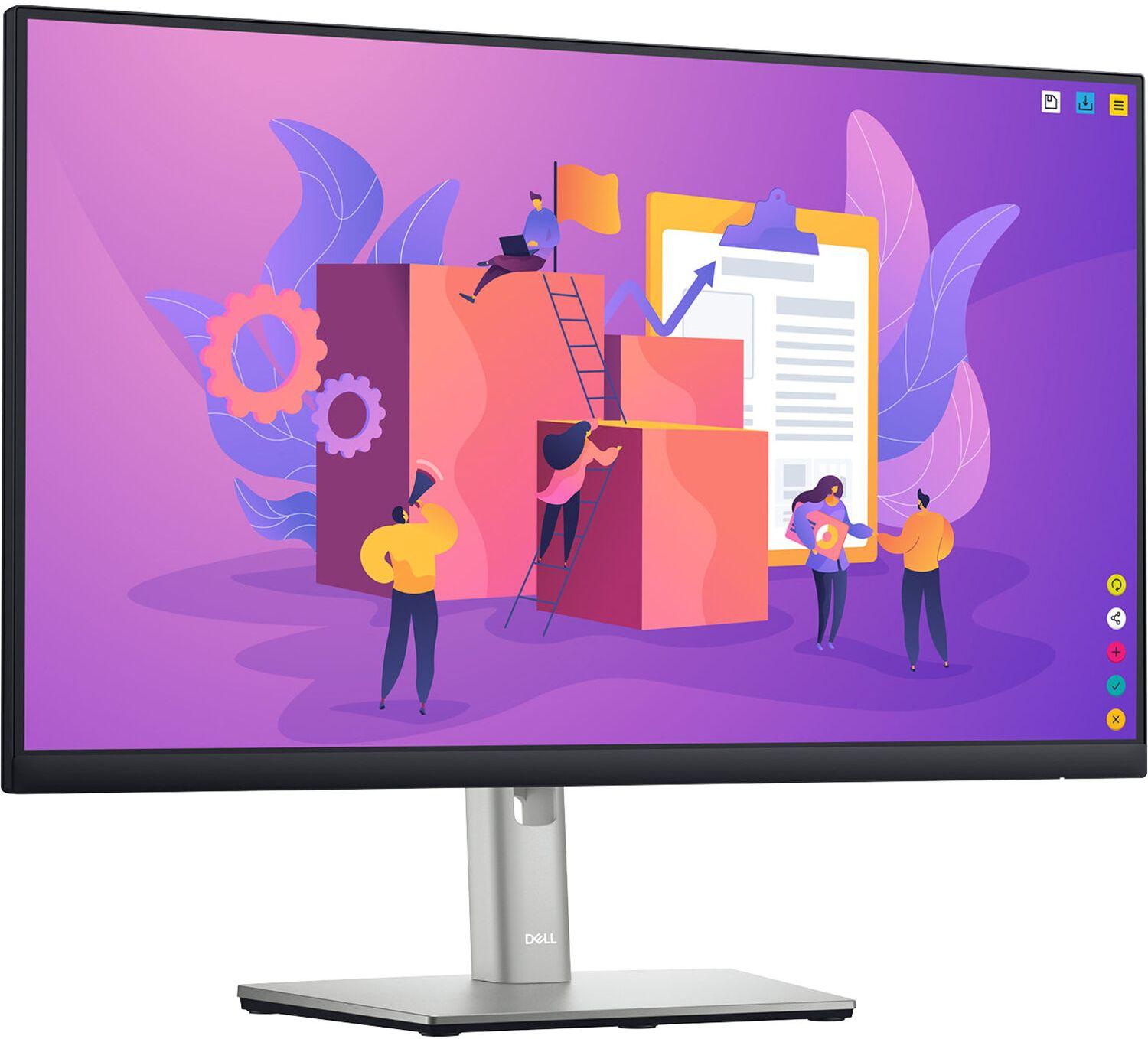
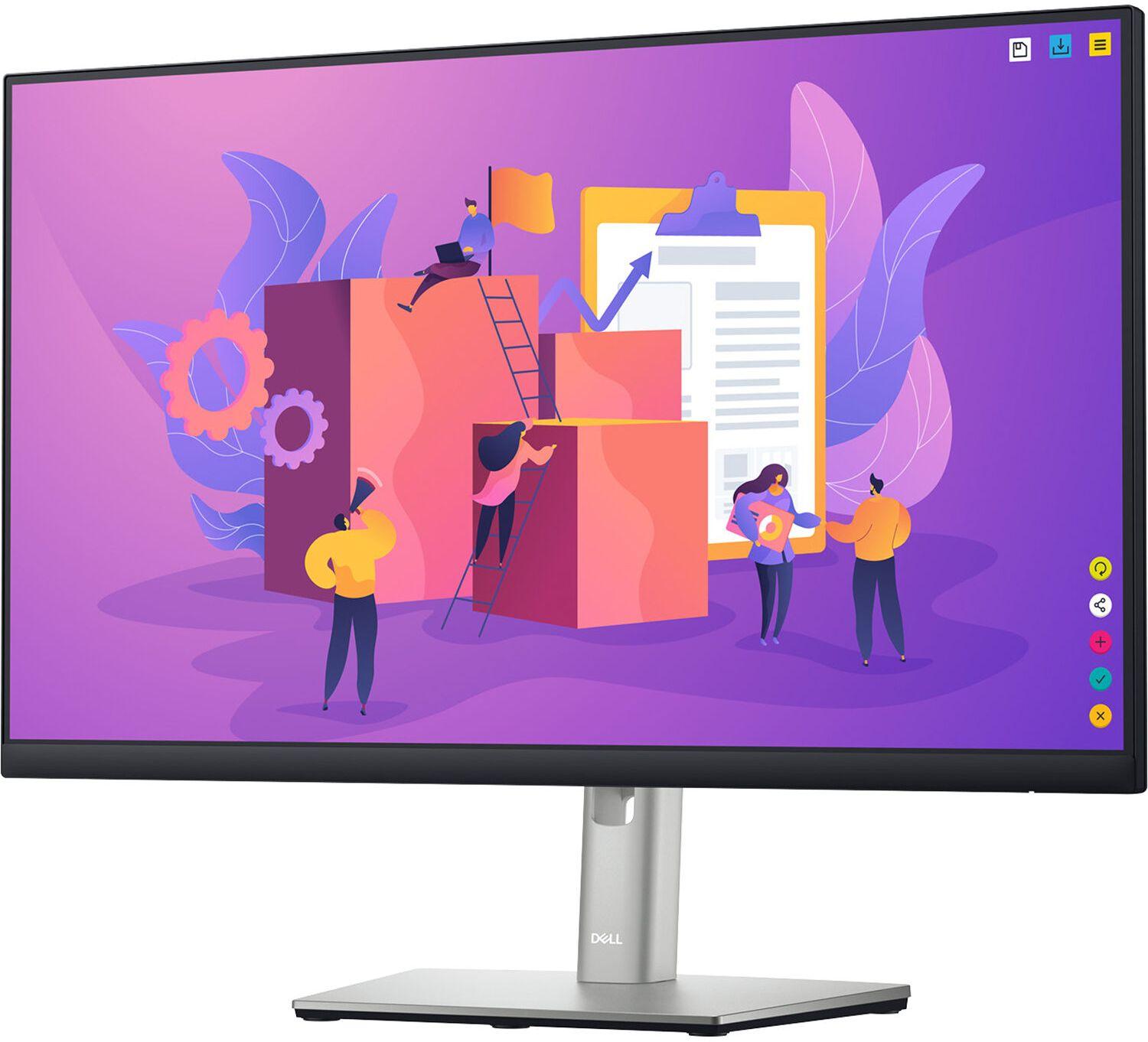
- Dell P2422H 24 FHD Computer Monitor (24-inch)
- Brand
- Dell
- Product Series
- 24 FHD Computer Monitor
- Model Number
- P2422H
- Diagonal Viewing Size
- 604.70 mm (23.8 inches)
- Active Display Area
- Width; 527.04 mm (20.75 inches) x Height; 296.46 mm (11.67 inches)
- Maximum Preset Resolution
- 1920 x 1080 at 60 Hz
- Aspect Ratio
- 16:9
- Pixel Pitch
- 0.2745 mm x 0.2745 mm
- Pixel Per Inch (PPI)
- 93
- Brightness
- 250 cd/m² (typical)
- Color Support
- Color gamut; sRGB 99% (typical) | Color depth; 16.7 million colors
- Contrast Ratio
- 1000:1 (typical)
- Viewing Angle
- 178°/178°
- Response Time
- 5 ms typical (Fast) (gray to gray) | 8 ms (Normal mode) (gray to gray)
- Panel Type
- In-Plane Switching Technology
- Backlight Technology
- White LED edgelight system
- ComfortView Plus with Flicker-free screen
- Yes
- Dell Display Manager Compatibility
- Yes
- Remote Asset Management
- Yes, via Dell Command I Monitor
- GSA/TAA
- Yes
- Optional Soundbar
- SB521A
- Connectors
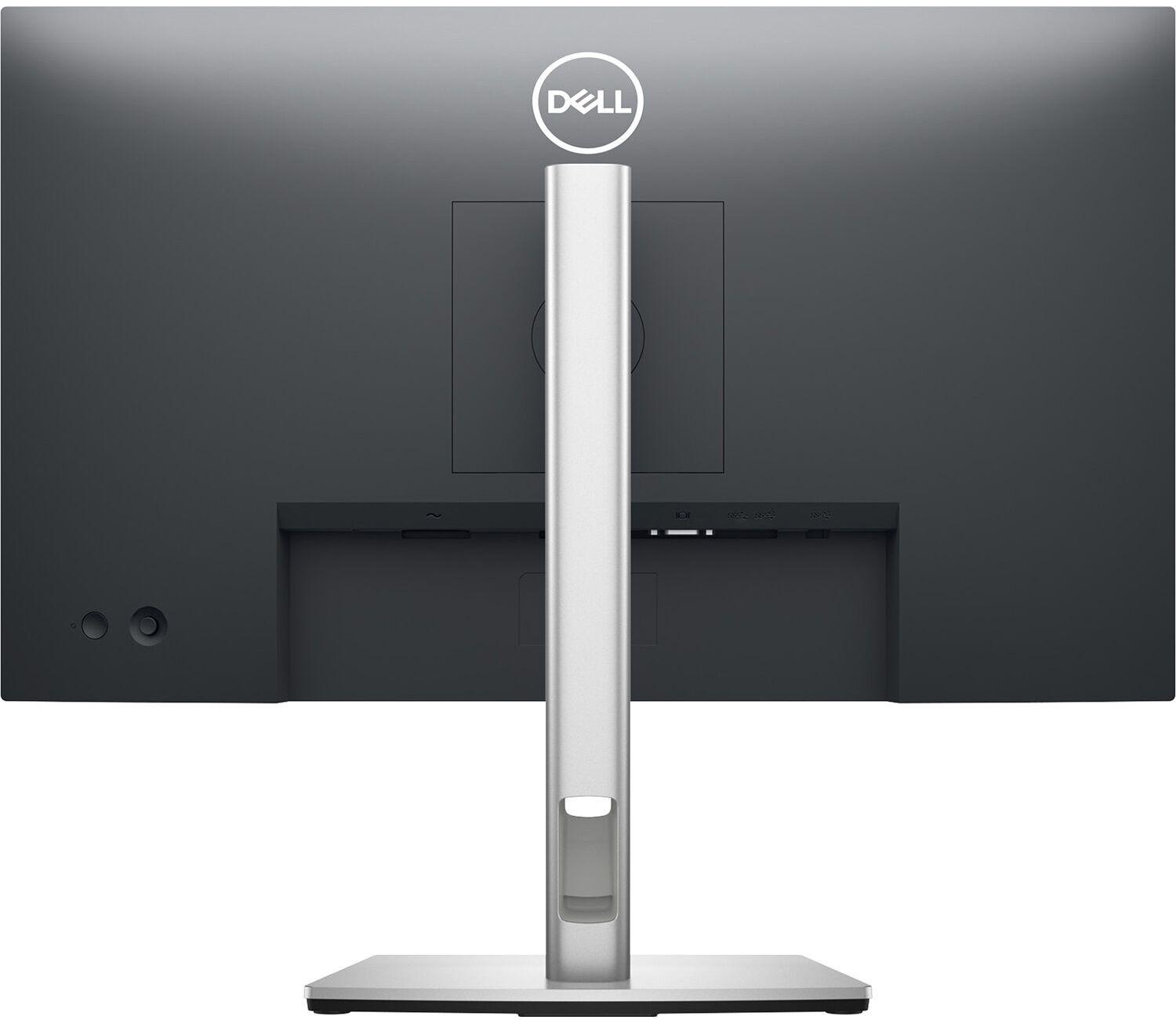
- 1 x HDMI 1.4 (HDCP 1.4) | 1 x DisplayPort 1.2 (HDCP 1.4) | 1 x VGA | 1 x SuperSpeed USB 5Gbps (USB3.2 Gen1) upstream | 4 x SuperSpeed USB 5Gbps (USB3.2 Gen1)
- HDCP Support
- HDMI HDCP 1.4 | DP HDCP 1.4
- Adjustability
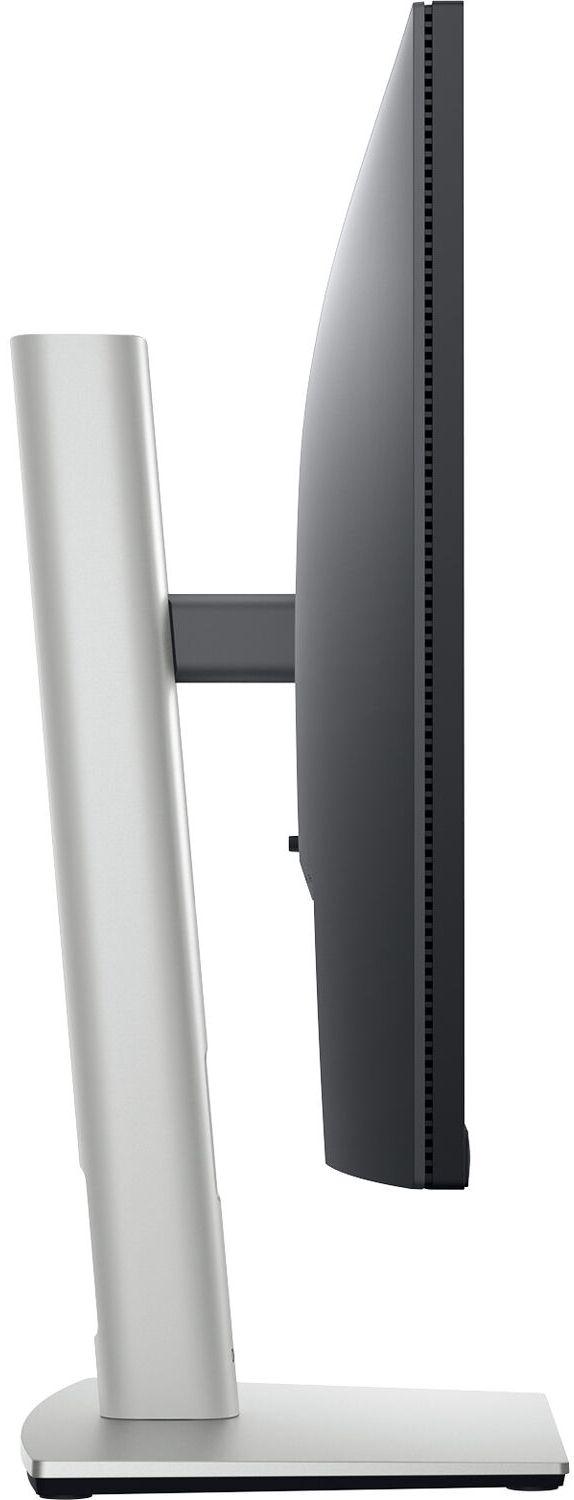
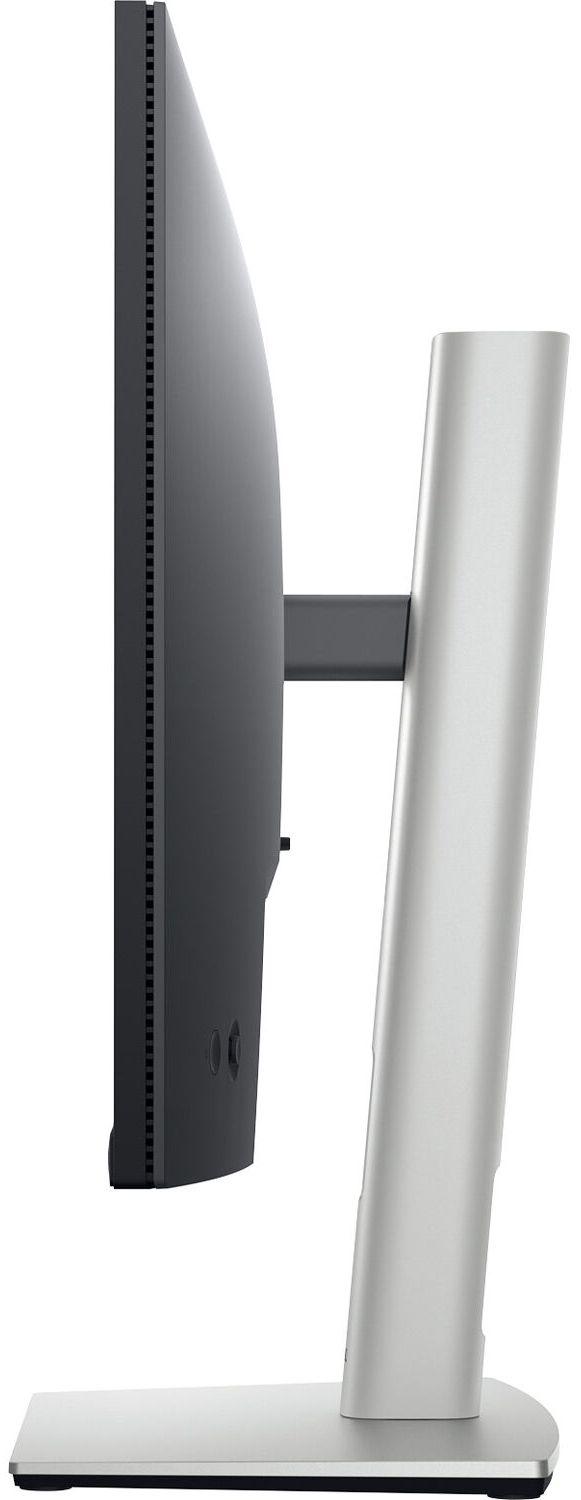
- Height adjustable stand (150 mm), Tilt (-5° to 21°), Swivel (-45° to 45°), Pivot (-90° to 90°)
- Security
- Security lock slot (cable lock sold separately)
- Flat Panel Mount Interface
- VESA (100 mm x 100 mm)
- AC input voltage/frequency/current
- 100 VAC to 240 VAC / 50 Hz or 60 Hz ± 3 Hz / 1.5 A (typical)
- Power Consumption (Operational)
- 0.2 W (Off mode) | 0.3 W (Standby Mode) | 12 W (On Mode) | 48 W (Max.)
- Height
- 496.11 mm (19.53 inches)
- Width
- 537.80 mm (21.17 inches)
- Depth
- 179.57 mm (7.07 inches)
- Weight (panel only - for VESA mount/no cables)
- 3.39 kg (7.47 lb)
- Weight (monitor and cables with stand)
- 5.57 kg (12.28 lb)
- Weight (with packaging)
- 7.95 kg (17.53 lb)
- Environmental Compliance
- ENERGY STAR® certified monitor, EPEAT® Gold registered where applicable, RoHS-compliant, TCO Edge | Certified Displays, BFR/PVC free monitor (excluding external cables), Meets NFPA 99 leakage current requirements, Arsenic-free glass and Mercury-free for the panel only.
Dell P2422H 24 FHD Computer Monitor 24"Inch
GRATIS levering
Produktbeskrivelse
OVERVIEW:
COMFORT WITHOUT SACRIFICING COLOR: Optimize eye comfort with this 23.8” FHD monitor with ComfortView Plus
OPTIMIZE YOUR WORKSPACE: Pivot, tilt, swivel and adjust the height of your monitor to your exact preference.
CONNECT TO PRODUCTIVITY: The 3-sided ultrathin bezel delivers a seamless view across multiple monitors, while Easy Arrange in Dell Display Manager software helps you stay organized when multitasking
FEATURES:
[ COMFORT WITHOUT SACRIFICING COLOR ]
• Comfort without sacrificing color: Optimize eye comfort with ComfortView Plus — an always-on, built-in screen that reduces potentially harmful blue light emissions while delivering color accuracy.
• Color consistency comes standard: See consistent, vibrant colors across a wide viewing angle enabled by In-Plane Switching (IPS) Technology. With 99% sRGB coverage, you get precise color out of the box
[ OPTIMIZE YOUR WORKSPACE ]
• Adjust to your comfort: Pivot, tilt, swivel and adjust the height of your monitor for a comfortable setup all day long. Furthermore, choose from a variety of mounts and stands, including VESA for more flexibility.
• Designed with you in mind: Navigate the menu and adjust screen settings with the easy-to-use joystick control. Snap on the Dell Slim Soundbar (SB521A) and elevate your audio experience.
• Sleek, stylish and organized: Hide cords in the monitor riser to keep things organized. This sleek monitor has a three-sided ultrathin bezel, small base and an improved, easy-to-use cable management system.
[ CONNECT TO PRODUCTIVITY ]
• Extensive connectivity: Easily connect to a variety of devices with extensive connectivity ports, including DisplayPort, HDMI, VGA and USB.
• Quick access ports: Easily share and deliver content via quick-access ports conveniently placed at the front of the display.
• Expand your efficiency: The three-sided ultrathin bezel design lets you enjoy an uninterrupted view of your content across multiple monitors. And, with a Dell dual monitor set up, you can increase your productivity byup to 21%.
• More ways to multitask: Work conveniently across multiple screens and select from predefined templates with the Easy Arrange feature on Dell
• Display Manager software. Quickly tile and arrange your applications and get back to work faster with Auto-restore, a feature that remembers where you left off.
Premium istandsat.
Pålidelig kvalitet.
4,7ud af /5
baseret på 70.000 anmeldelser
Trustpilot

Spar op til 70 %
12 måneder garanti
Kvalitetstestet af eksperter
Risikofri prøveperiode i 30 dage
Spar op til 90 % CO2 sammenlignet med nyt


© Reebelo Danmark | 106 823 123 | Momsregistreret
Gratis fragt i Danmark30 dages returret i Danmark
100 % sikre betalinger


