
Dell Universal Docking Station D6000S Ethernet
Dell Universal Docking Station D6000S Ethernet

GRATIS levering
Dell Universal Docking Station D6000S Ethernet
- Product Name
- Dell D6000S 65W Power Delivery Docking Station
- Brand
- Dell
- Product Series
- 65W Power Delivery Docking Station
- Model Number
- D6000S
- Upstream
- USB 3.0 Type A (Via C-to-A converter) | USB-C (Support power delivery up to 65W)
- Downstream
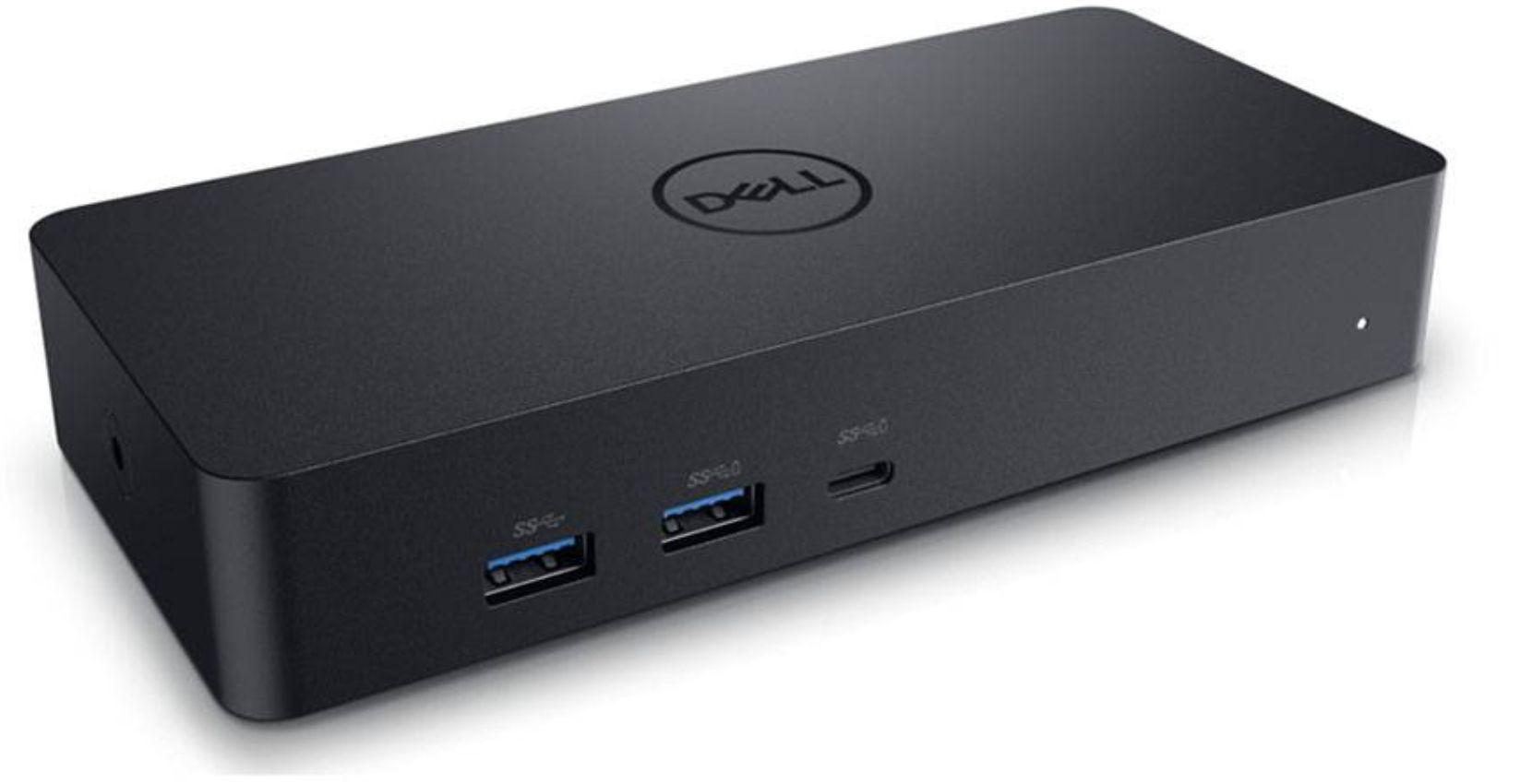
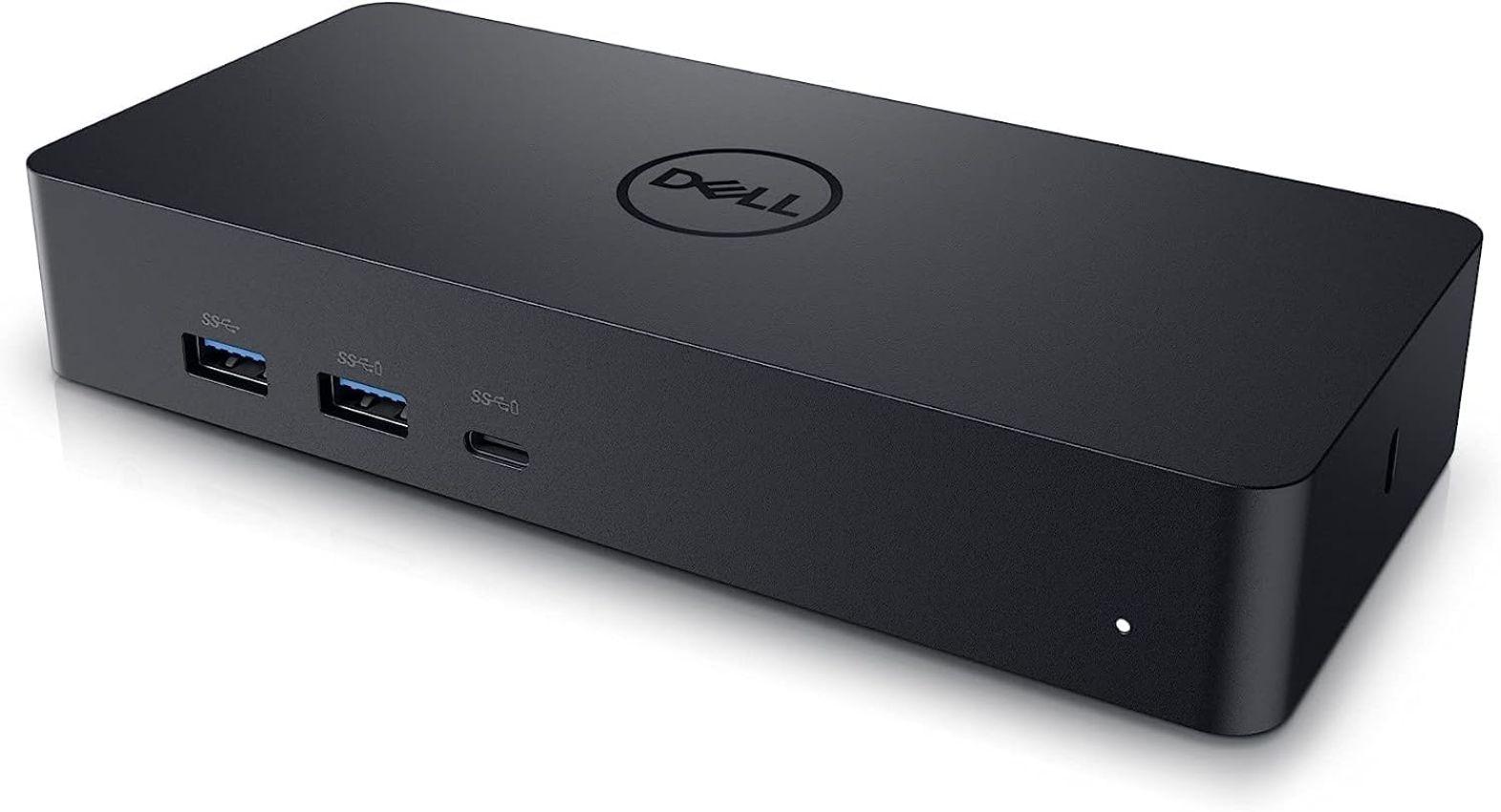
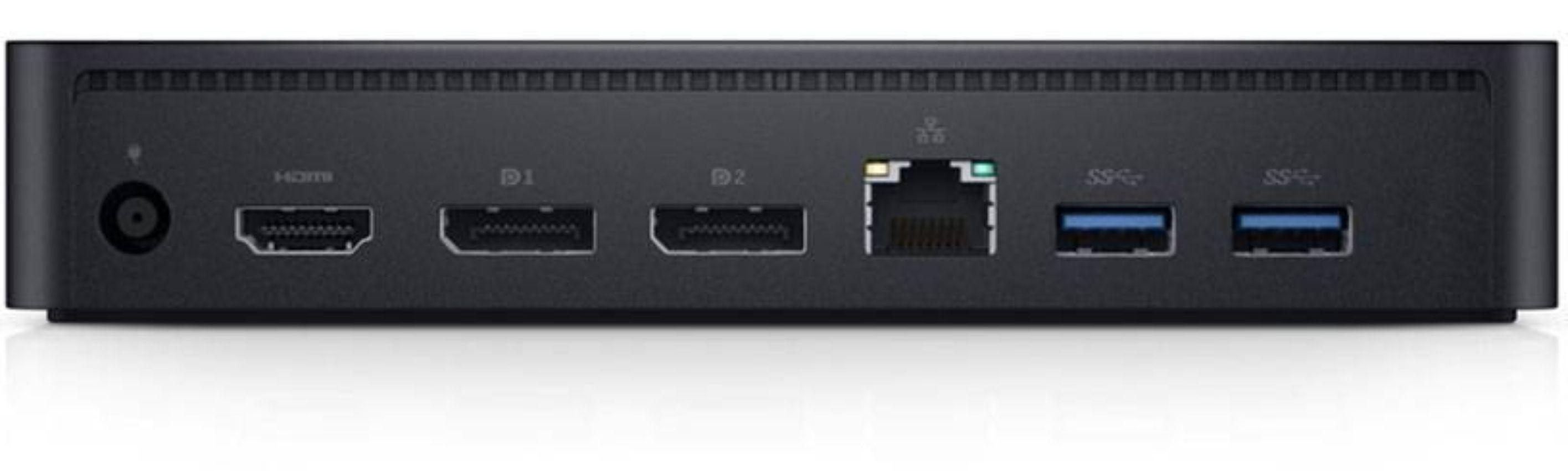
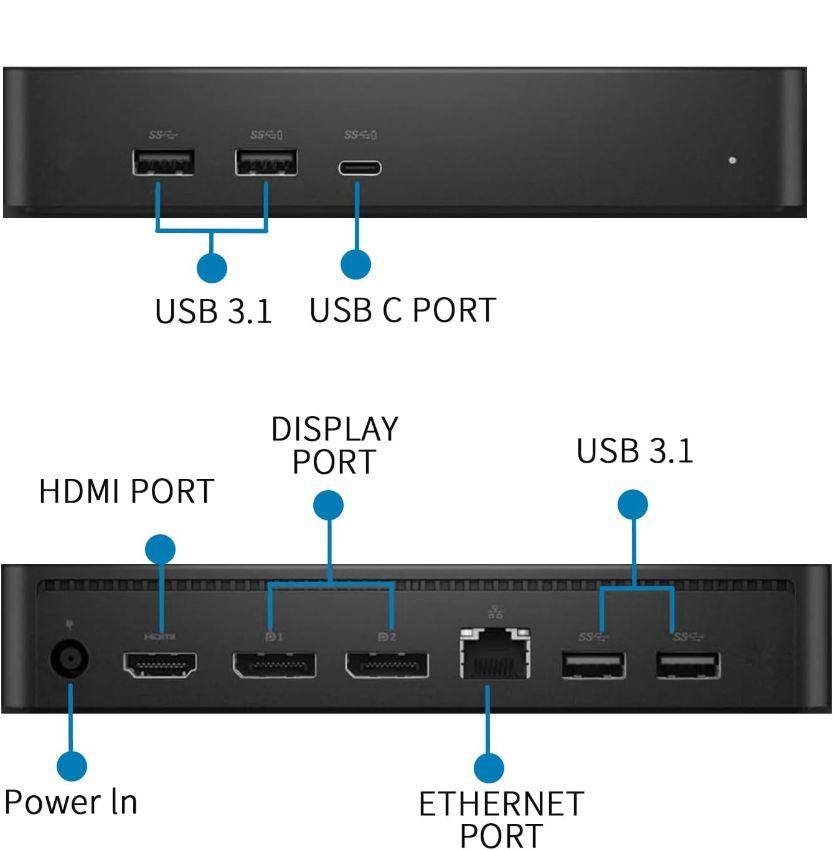
- 3 x USB 3.0 Type A | 1 x USB 3.0 Type A (front, PowerShare) | 1 x USB-C (front, Data only, and PowerShare) | 1 x HDMI | 2 x DisplayPort | Gigabit Ethernet
- Supports USB 3.1 Gen1
- Product capability; product signals at 5 Gbps | Marketing name; SuperSpeed USB [ Note; USB 3.1 Gen1 and USB 3.0 terms are synonymous ]
- Normal working mode
- White light
- Platform standby
- Amber light
- Power Off
- Light Off
- Connection
- Green (Solid green)
- Active Link
- Amber (blinking)
- [ Max Resolution Details ]
- 5120 x 2880 - 60 Hz (Single Display) | 3840 x 2160@60Hz, 3840 x 2160@60Hz - 60 Hz (Dual Display) | 3840 x 2160@60Hz, 3840 x 2160@60Hz, 3840 x 2160@30Hz (Triple Display)
- [ Networking ]
- Data Link Protocol | Gigabit Ethernet
- [ WHAT'S INCLUDED ]
- Dell Universal Dock (D6000S) | Power adapter and power cord
Dell Universal Docking Station D6000S Ethernet
GRATIS levering
Produktbeskrivelse
OVERVIEW:
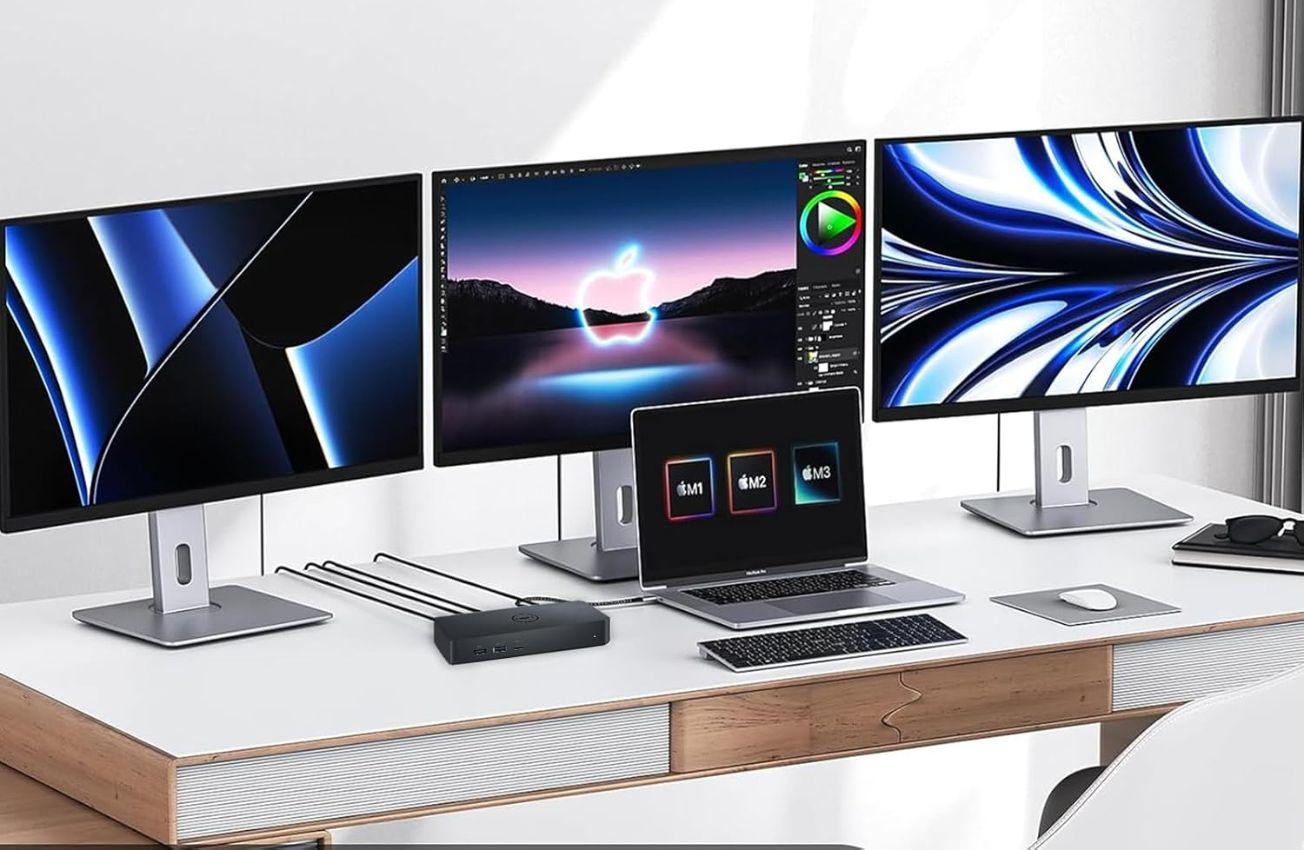
[ Universal Docking Solution ]: Simply connect the D6000S dock to the USB-C or USB-A port on your laptop and enjoy universal compatibility with a wide range of PC brands and operating systems supported by DisplayLink Technology. So whether you are at your desk or in a shared workspace, you can easily customize your setup with displays, a mouse, keyboard, and audio devices from your compatible system of choice.
[ Connect with three 4K displays simultaneously ]: Enjoy Ultra HD 5K on a single screen or up to three 4K displays via USB-C*† thanks to DisplayLink technology. (* Third 4K display at 30 Hz / † Up to Dual 4K displays with USB-A)
[ Fast and convenient docking solution ]: Plug in a single USB-C cable and transfer audio, video, data and power. A single cable eliminates the need for an additional power adapter, keeping your workspace neat and clutter-free. If your laptop needs more than 65W of power, plugging in an external power adapter is recommended. Click here for a list of Dell laptops that require an external power adapter. If you are using the Dell Universal Dock – D6000S with a laptop from a 3rd party manufacturer, please check with the manufacturer if the laptop needs more than 65W of power.
[ Connections and Features ]: Supports up to three 4K displays or a single 5K display | Four USB-A 3.2 Gen 1 ports | One USB-C 3.2 Gen 1 port | Gigabit Ethernet | Kensington Lock Slot | Charges up to 65W laptop via USB-C
FEATURES:
• Universal Docking Solution
• Connect with three 4K displays simultaneously
• Fast and convenient docking solution
• Connections and features
• Dimensions (WxDxH) : 3.1 in x 6.6 in x 1.2 in
• Docking Interface - USB
• Networking : Gigabit Ethernet (RJ-45)
Premium istandsat.
Pålidelig kvalitet.
4,7ud af /5
baseret på 70.000 anmeldelser
Trustpilot

Spar op til 70 %
12 måneder garanti
Kvalitetstestet af eksperter
Risikofri prøveperiode i 30 dage
Spar op til 90 % CO2 sammenlignet med nyt


© Reebelo Danmark | 106 823 123 | Momsregistreret
Gratis fragt i Danmark30 dages returret i Danmark
100 % sikre betalinger


